

Why Pro Settings Matter
If you're looking to improve your performance in CS2, one of the easiest upgrades is copying the settings used by professional players. Most pros don't use fancy graphics — they use settings that maximise FPS, visibility, input response, and consistency.
In this guide, we analysed settings from 40 professional players to find the most common configuration. We also break down individual configs from NiKo, s1mple, ZywOo, and donk.
Whether you're on a beast PC or a budget setup — these settings will help.
📊 What Most Pros Actually Use
Before looking at individual players, here's the reality: most pros use very similar core settings. There's a reason for that — these values have been tested at the highest level for years.
These settings prioritise performance over visuals. That's the trade-off every pro makes.
🏆 Best Overall CS2 Settings (Copy These)
If you just want one reliable setup without reading the whole guide, start here. This is based on the most common values across 40 pros.
🖱️ Mouse Settings
🖥️ Video Settings
🔬 Advanced Video Settings — Data From 40 Pros
We analysed the advanced video settings of 40 professional CS2 players to see what's actually used at the highest level. The results are surprisingly consistent — most pros run nearly identical configs.
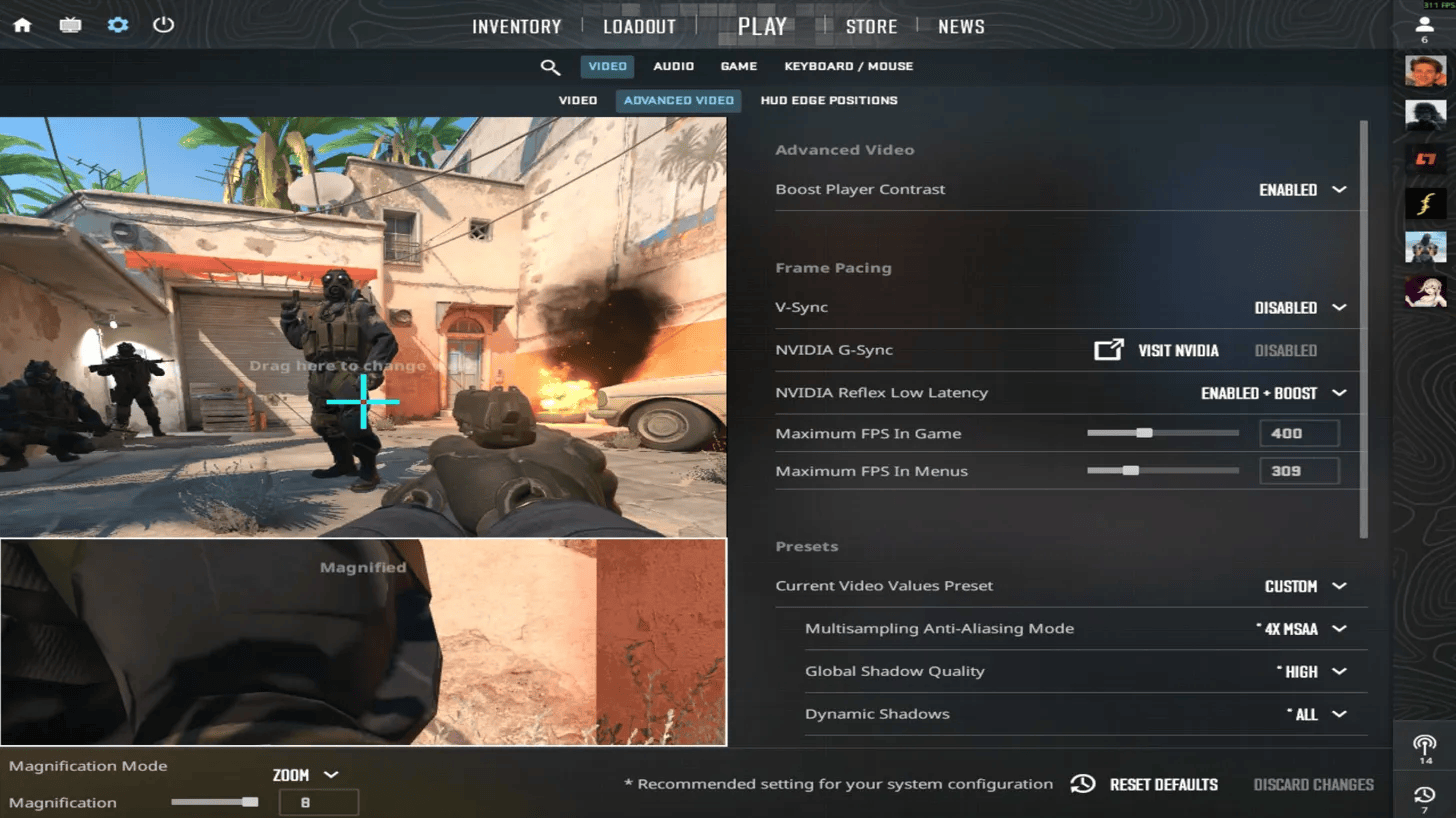
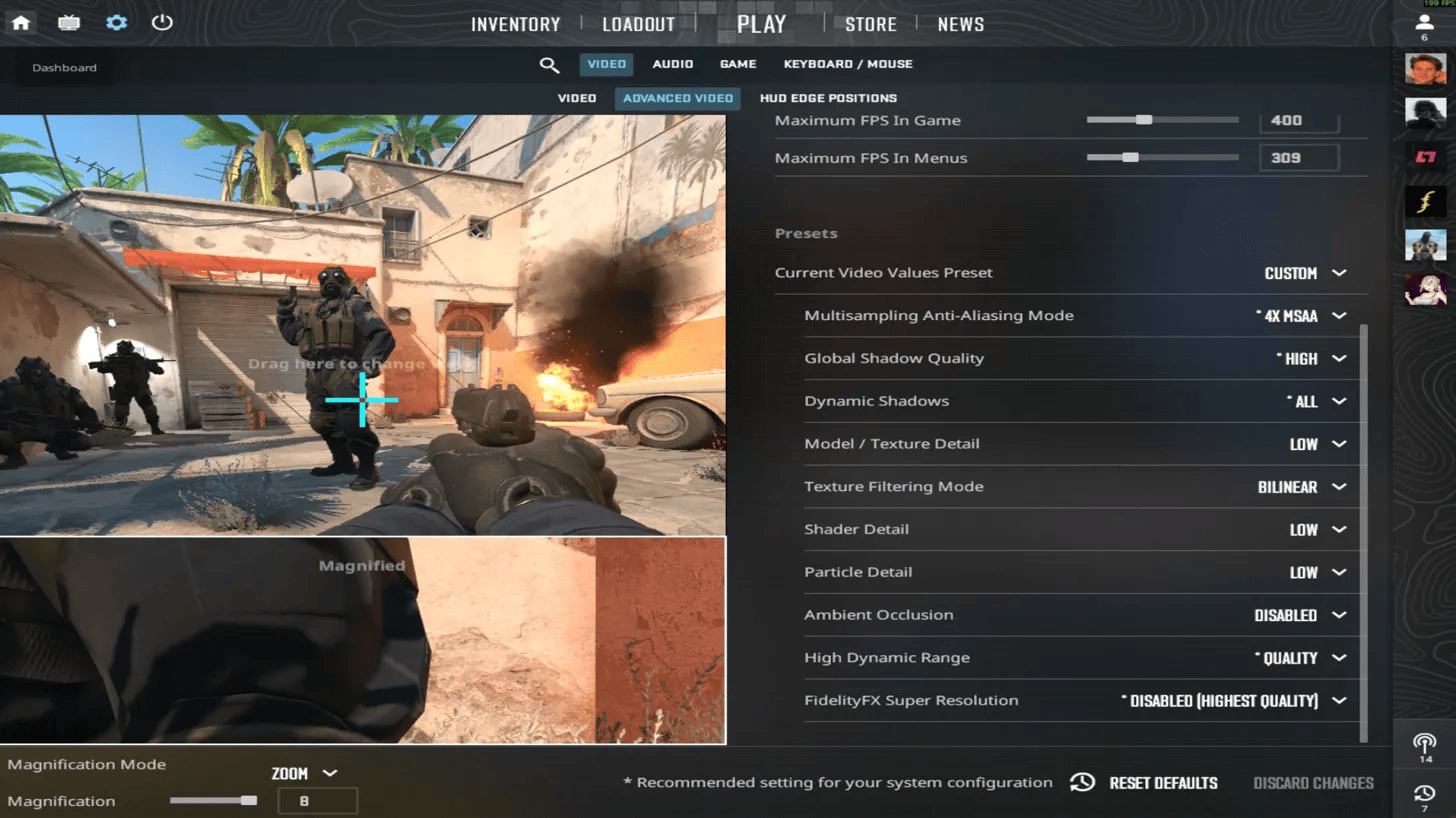
Recommended Advanced Settings (Based on 40 Pros)
📐 Why Most Pros Use 4:3 Stretched
Simple reason: enemies look wider. That makes them easier to track and hit. The trade-off is less peripheral vision — you lose some side visibility. But most pros decided that wider targets are worth more than wider FOV.
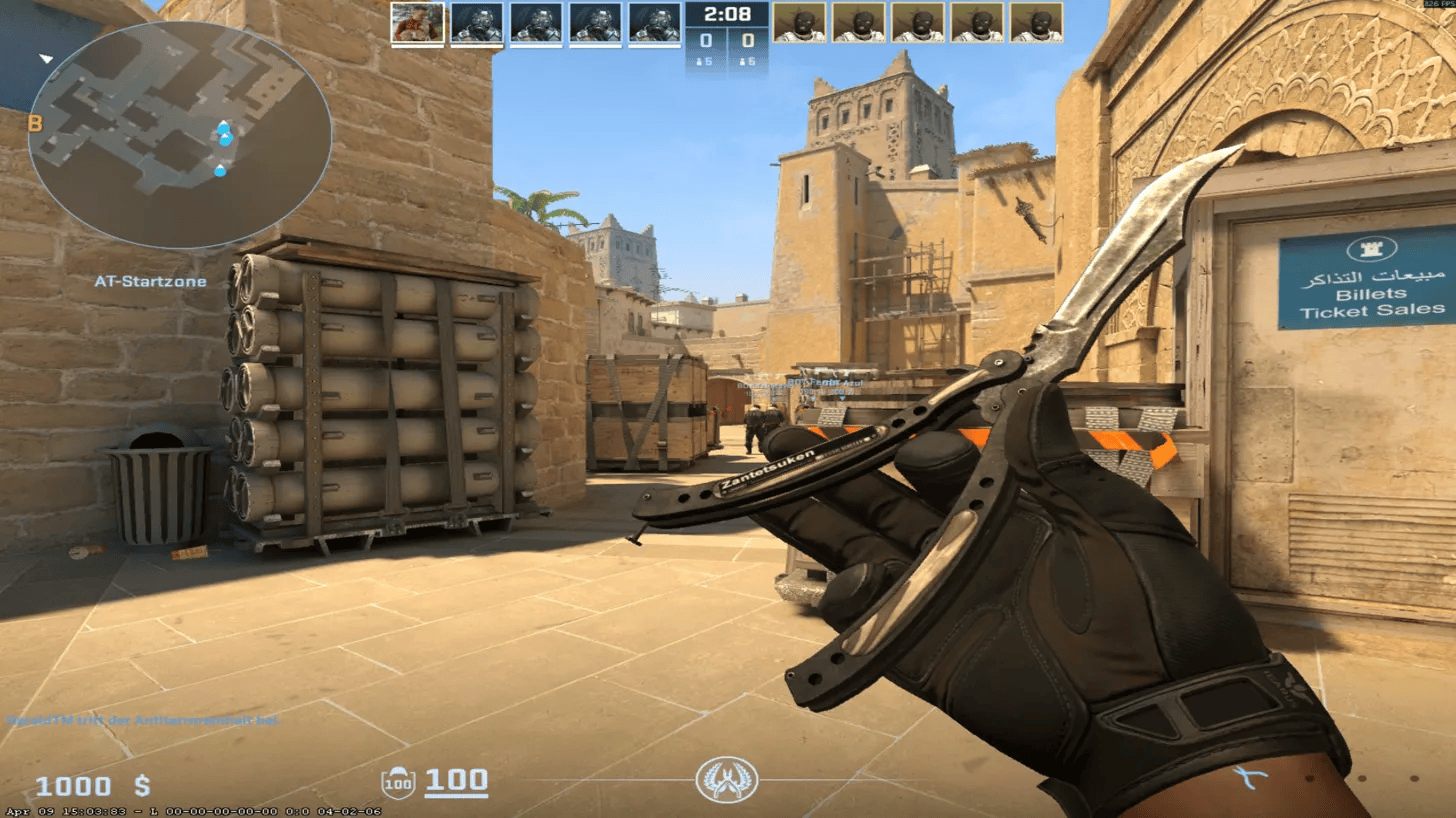
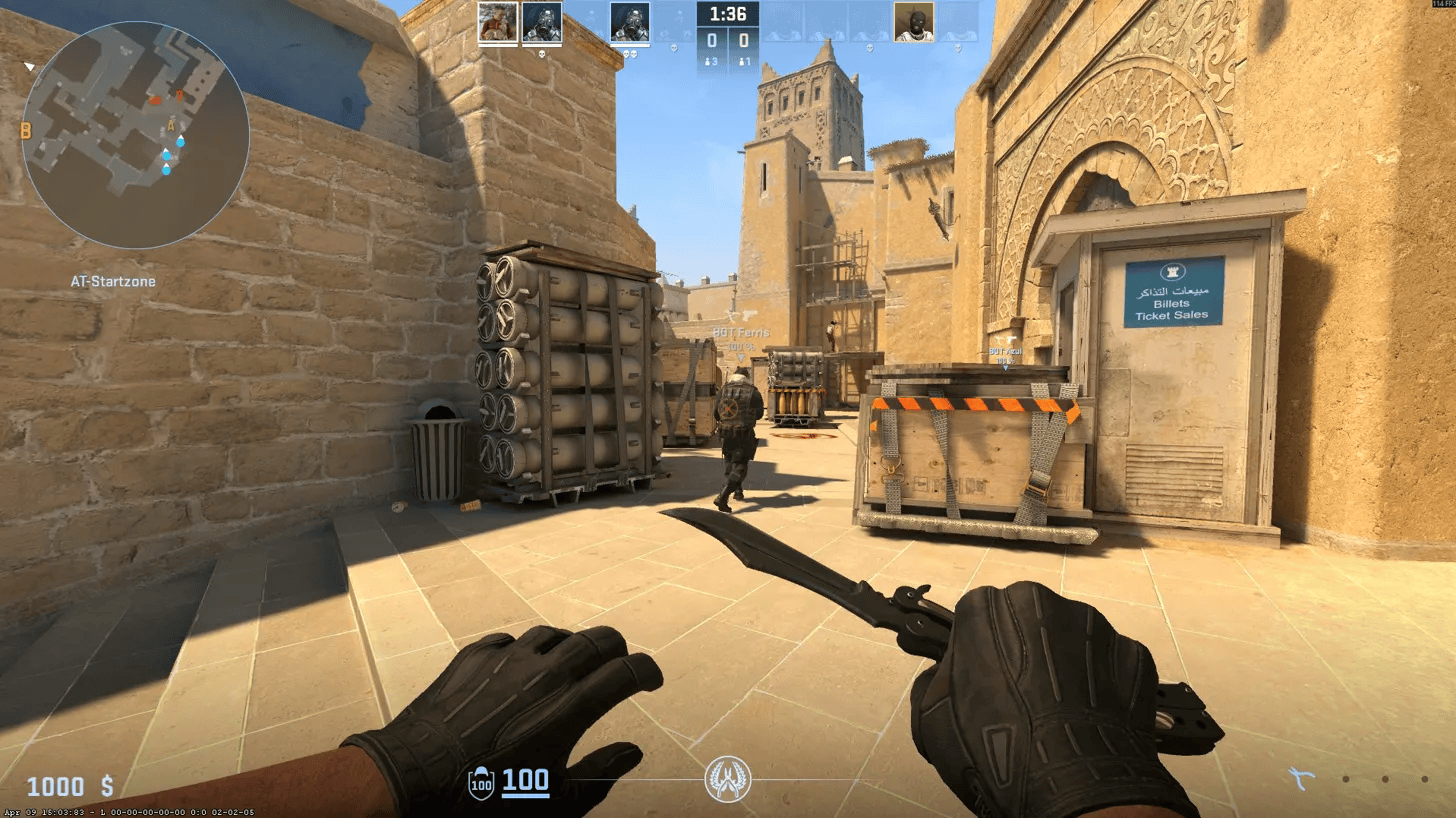
That's why most pros still use 4:3, stretched, low graphics. It's not about looking pretty — it's about winning gunfights.
🎮 NiKo CS2 Settings
Nikola "NiKo" Kovač uses balanced settings that work well for most players. Clean, consistent, and not too extreme on sensitivity.

🎮 s1mple CS2 Settings
Oleksandr "s1mple" Kostyliev is known for aggressive aim and a noticeably higher sensitivity than most pros. Not recommended for beginners — but it works for him.
🎮 ZywOo CS2 Settings
Mathieu "ZywOo" Herbaut uses very standard pro settings. Nothing flashy — just solid, reliable values that work at the highest level.
🎮 donk CS2 Settings
Danil "donk" Kryshkovets is one of the most aggressive riflers right now. Uses 800 DPI which is becoming more common among younger pros.
⚡ Best Settings for Maximum FPS
If your PC struggles, use this config. It strips everything to the minimum while keeping the competitive essentials (like high shadows).
This gives you higher FPS, lower input delay, and more stable performance. For reference, with an i5-13600K and RTX 4070 using the recommended pro settings, you can expect around 350–380 FPS.
📝 Credits & Sources
Advanced settings data compiled from professional player configurations. Individual pro settings sourced from tournament configs and verified community databases.
Special thanks to @thourcs2 for the 40-player dataset analysis.