

Why You Need to Read This
CS2 scams are getting more advanced every year. Most people don't lose their skins because of hacking — they lose them because of manipulation. Scammers don't need your password. They just need you to trust the wrong person.
This actually happened to a friend of mine recently, which is why I'm writing this. The scam was so well done that even someone who knows what they're doing could have fallen for it.
In this guide I'll show you exactly how these scams work, with real screenshots, so you know what to look out for.
🔑 What Is a CS2 API Scam?
A CS2 API scam happens when a scammer gains access to your Steam Web API key. This key allows automated services to interact with your Steam account — things like trading bots, gambling sites, marketplaces, and inventory tools all use it.
Legitimate services use API keys. Scammers use them to secretly manipulate your trades.
The dangerous part? Your account can look completely normal while the scam is already happening in the background.
🎣 How the Scam Usually Starts
Most victims log into a fake website without realizing it. This could be a fake gambling site, a fake marketplace, a fake trading site, or a fake giveaway page. Sometimes it's just a phishing link someone sends on Discord or Steam.
The page looks real. But it exists only to steal your API key access.
Once they have your API key, they can intercept your trades. You send a trade to your friend — the scammer's bot cancels it and sends an identical-looking trade from a fake account. You accept it thinking it's legit. Your skins are gone.
🔍 How to Check Your Steam API Key
You can check your API key directly on Steam. Go to:
https://steamcommunity.com/dev/apikey
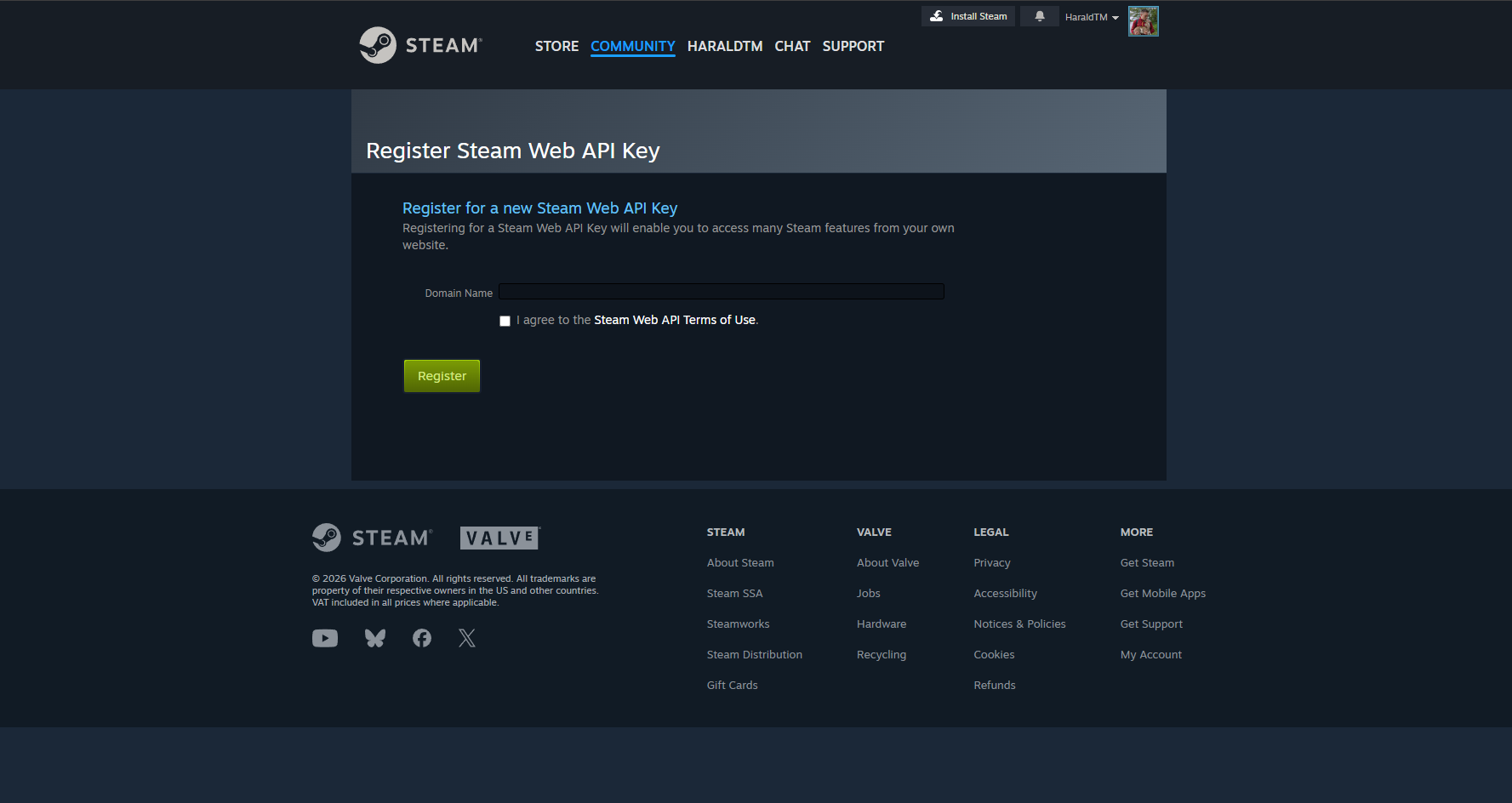
If your API page shows a key that you didn't set up yourself:
- Remove it immediately
- Change your Steam password
- Deauthorize all devices
- Make sure Steam Guard is enabled
That stops the scam dead.
📋 How to Check Your Recent Login History
Steam also lets you see recent logins to your account. Go to:
https://help.steampowered.com/en/accountdata/SteamLoginHistory
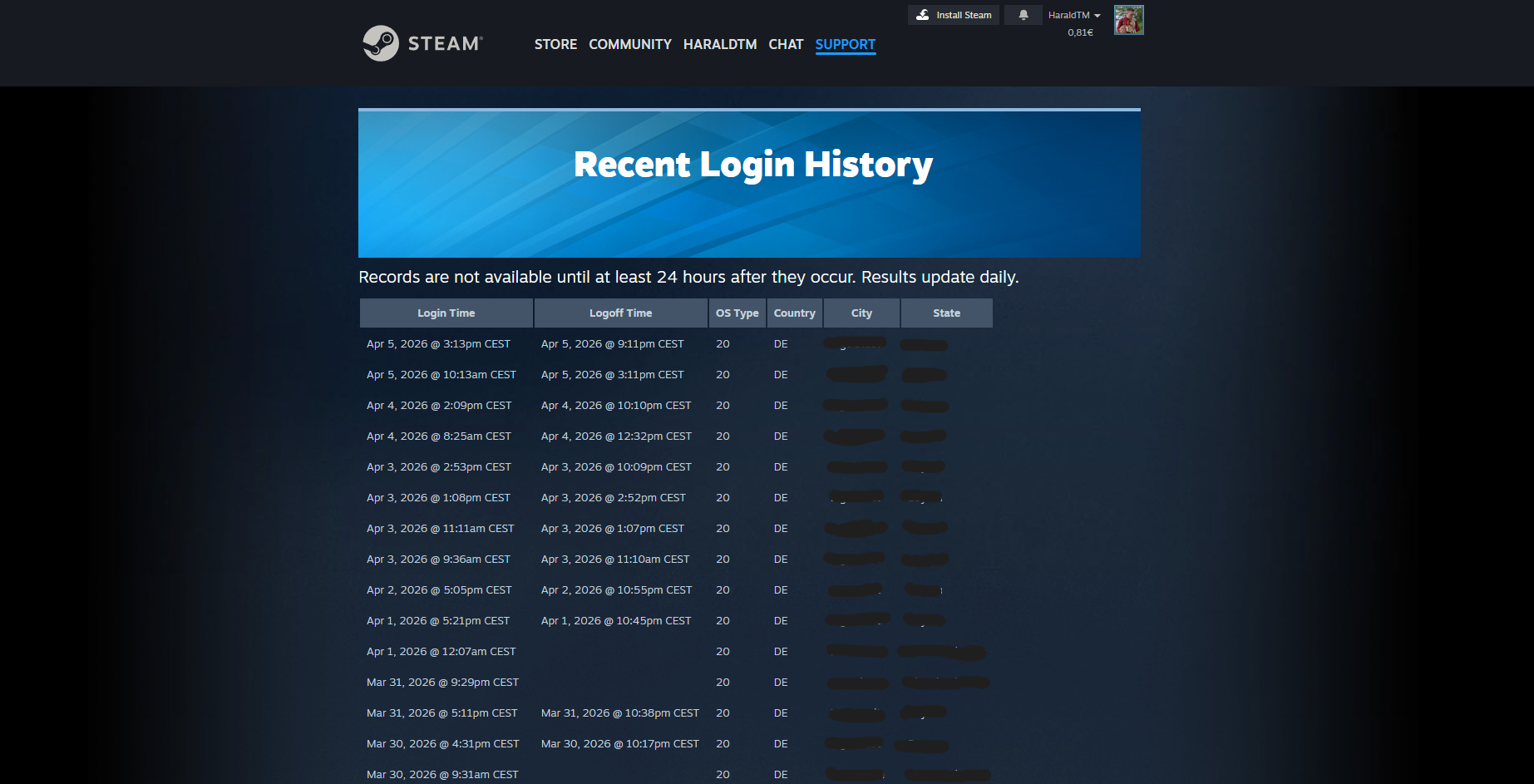
If you see logins from places you've never been or devices you don't recognize — change your password immediately. That's a clear sign someone else has access to your account.
🎭 The "Your Items Are in Danger" Scam — Real Example
This exact scam recently happened to a friend. Here's how it went down.
The scammer sent a message saying something like: "Your items are in danger because they came from a stolen account or gambling site." They then suggested sending your items to a friend to "keep them safe."
Sounds logical, right? That's the trap.
How It Works Step by Step
- Step 1 — You get a warning message. The scammer claims your items are flagged, your inventory is unsafe, or you could get banned. They create panic.
- Step 2 — They suggest a "solution." They tell you to send your items to a trusted friend for safekeeping.
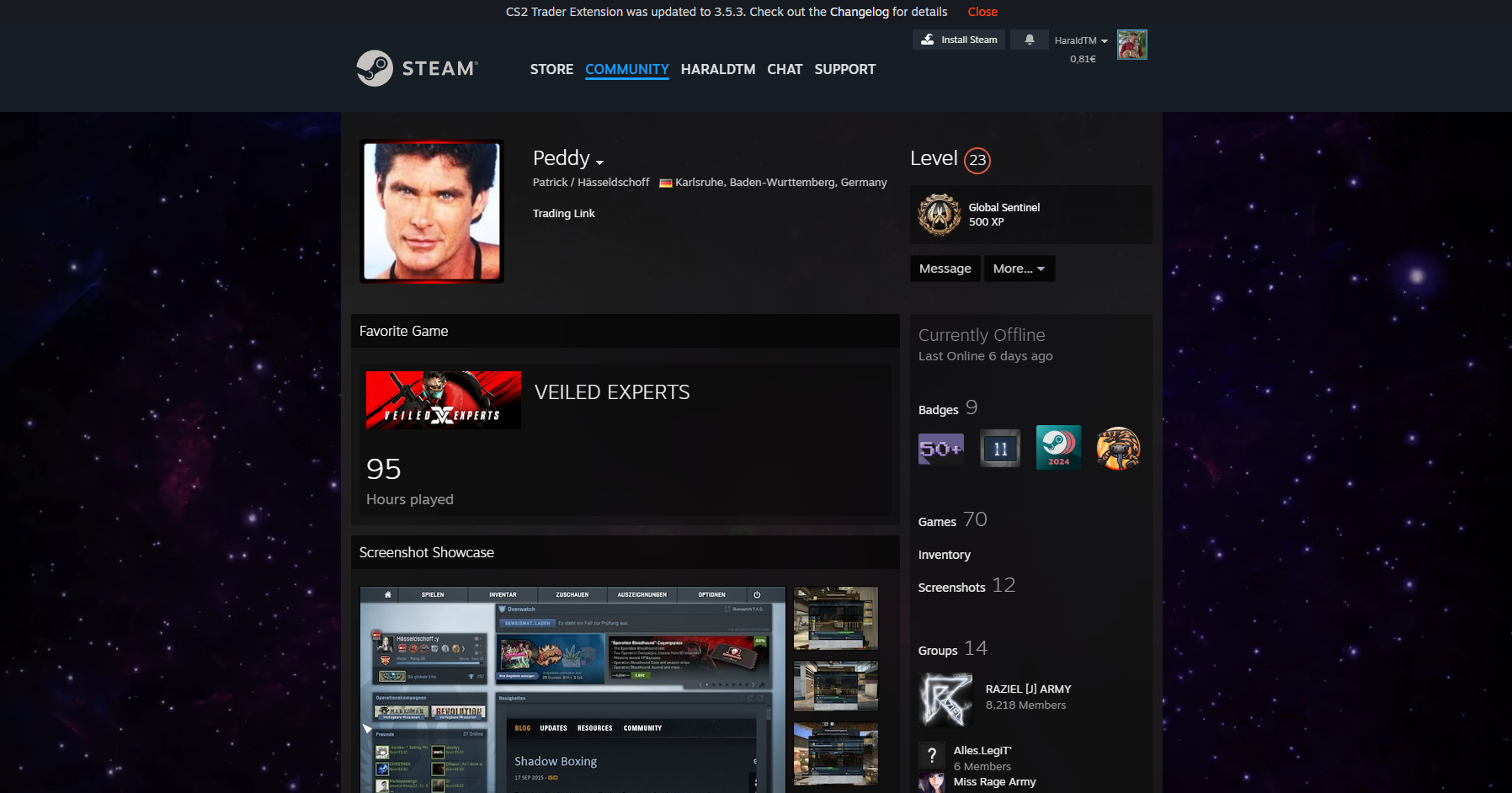
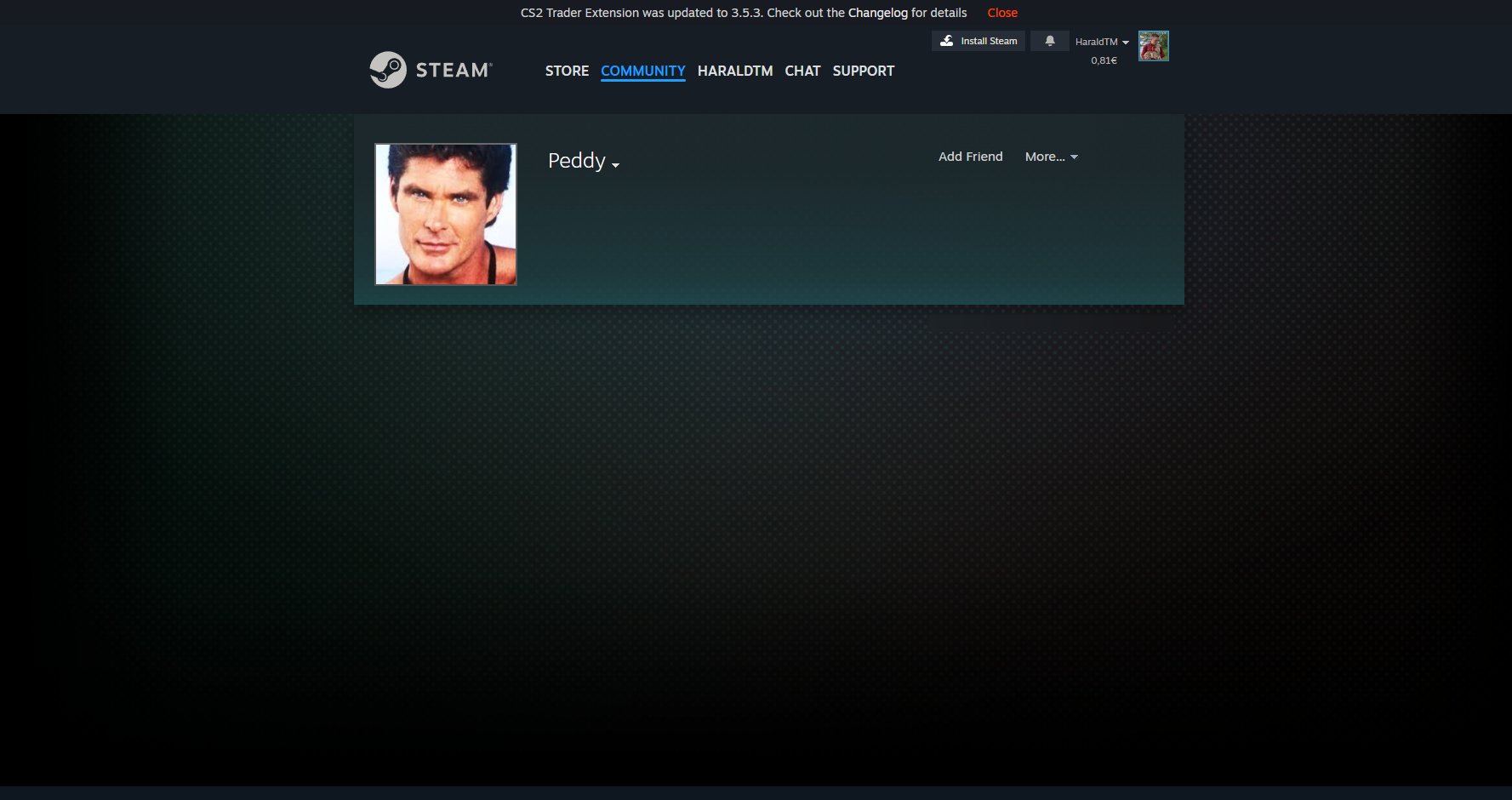
- Step 3 — The fake friend account. The scammer creates a fake account that looks identical to your actual friend. Same name, same profile picture, same bio. When you search for your friend, you click the fake one instead.
Here's what it actually looks like:
The Final Trick — The Delay Lie
After the trade is sent, victims often notice the items don't appear on their "friend's" account. So they ask the scammer what's happening. The scammer replies: "It can take up to 7 days — don't decline the trade."
This is a lie. Steam trades are instant. There is no delay. If the trade is accepted, the items are already gone.
🚩 What Scam Accounts Look Like
Scam accounts on Steam often follow the same pattern. Here's a real example of the type of account that would send you a random friend request trying to start a scam:
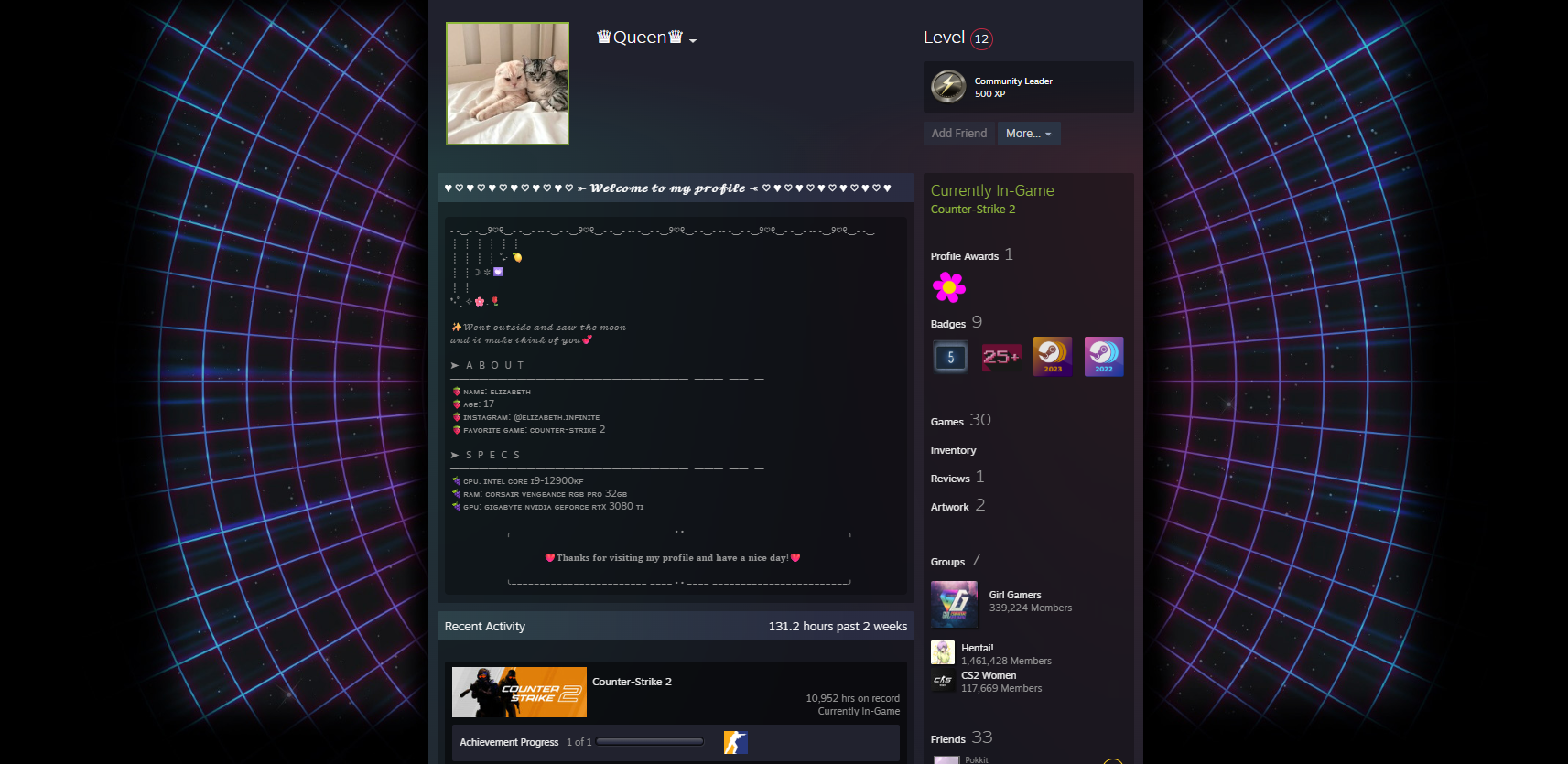
Red flags to look for:
- Random friend request from someone you don't know
- Account pretends to be a trader, buyer, moderator, or "security" staff
- Sends links to unknown websites immediately after you accept
- Creates urgency — "your items are in danger" / "limited time offer"
Simple rule: if you don't know the person — don't accept the request.
🚨 Warning Signs to Watch For
If you hear any of these, it's a scam:
- 🚩 "Your items are in danger" — Steam will never tell you this through a random person
- 🚩 "Send your skins to a friend for safety" — there is no reason to ever do this
- 🚩 "Don't decline the trade" — massive red flag, always
- 🚩 "It can take up to 7 days" — Steam trades are instant
- 🚩 Someone creating urgency or panic — scammers need you to act fast before you think
🛡️ How to Protect Yourself
Always verify the account manually
Open your real conversation history with your friend. Click their profile from there. Never search for a friend manually — that's how you end up on the fake account.
Never log into unknown links
Especially links from Discord, Steam chat, Telegram, or Twitter. Always check the URL. If it doesn't look exactly right, close it.
Bookmark trusted websites
Don't rely on Google results every time. Bookmark the sites you actually use — csfloat, Steam, your gambling sites, whatever. That way you never accidentally land on a fake.
Never move items because of panic
Real Steam support will never ask you to send items to a friend, transfer items for safety, or "secure" items via trade. If anyone tells you to do this — it's a scam. No exceptions.
✅ Quick Safety Checklist
Before trading or depositing skins, run through this:
If something feels suspicious — stop immediately. It's better to lose a trade opportunity than to lose your skins.